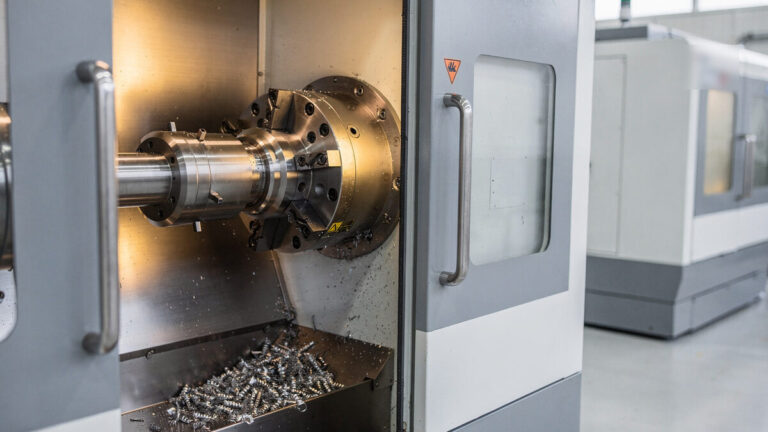
CNC machining removes material from stock using machine movements controlled by a program. CNC stands for computer numerical control; milling and turning are common ways to turn a digital design into a physical part.
This CNC machining guide is a starting point for buyers preparing an inquiry and engineers planning a component. It explains the workflow, connects part geometry to process choices, and points you toward detailed guides. Start with what the part must do, identify the features that control fit and function, then use the relevant links to prepare your drawing and quote package.
How CNC Machining Works
CAD and CAM: From Shape to Toolpaths
Computer-aided design (CAD) defines the part geometry. Computer-aided manufacturing (CAM) helps a programmer plan how tools will remove material. The drawing supplies requirements that shape alone may not communicate: tolerances, threads, surface finish, and reference features called datums. The model and drawing need to describe the same revision before machining is planned.
Program: Translate the Plan for the Machine
The machining plan becomes instructions for the chosen machine, including tool movements and cutting conditions. Programming also considers tool access and the order of operations. A model is an input to this work, not a finished machine program; the shop still needs to review the route and check that the planned movements suit the setup.
Setup and Fixturing: Locate and Hold the Stock
The operator fits the tools, establishes reference positions, and secures the stock in a chuck, vise, or fixture. Workholding must resist cutting forces while leaving the required features accessible. If the part needs reclamping, the next setup must preserve the relationships that matter, such as a hole pattern’s position relative to a mounting face.
Cutting: Remove Stock and Finish Features
Roughing removes bulk material; finishing brings selected surfaces to their required dimensions and finish. Tool condition, material behavior, and part stiffness all affect the result. Deep pockets, slender sections, and thin walls need particular attention because tool reach or movement under cutting loads can limit the practical machining approach.
Inspection: Check Against the Requirements
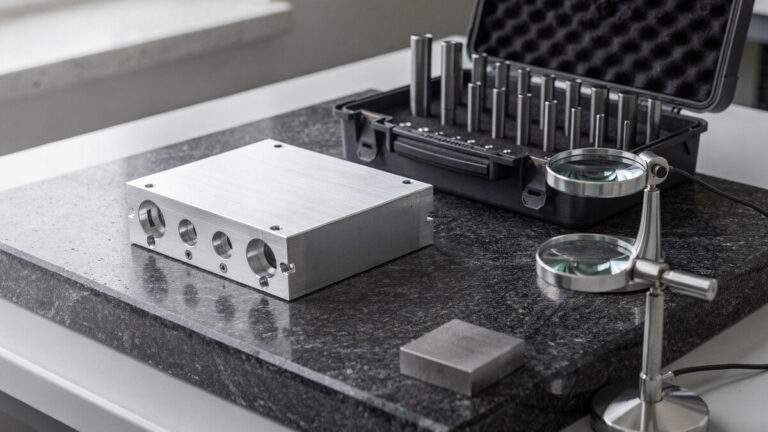
Checks during machining help identify changes before the batch is complete. Final inspection compares the finished part with agreed acceptance criteria, including dimensions and relevant surface requirements. The inspection plan should identify critical features, measurement conditions, and required records. A repeatable program supports production, but measured results establish whether parts meet the drawing.
Main CNC Processes
Use geometry to start the process discussion. A housing with pockets points toward milling; a shaft with diameters along a common axis points toward turning. A part can need several operations, so ask how the proposed route handles its critical relationships and how often it must be repositioned.
| Process | Typical geometry | When to choose it | Guide/service link |
|---|---|---|---|
| Milling | Flat faces, pockets, slots, brackets, and housings | A rotating cutter needs access to faces or irregular features. | CNC milling services |
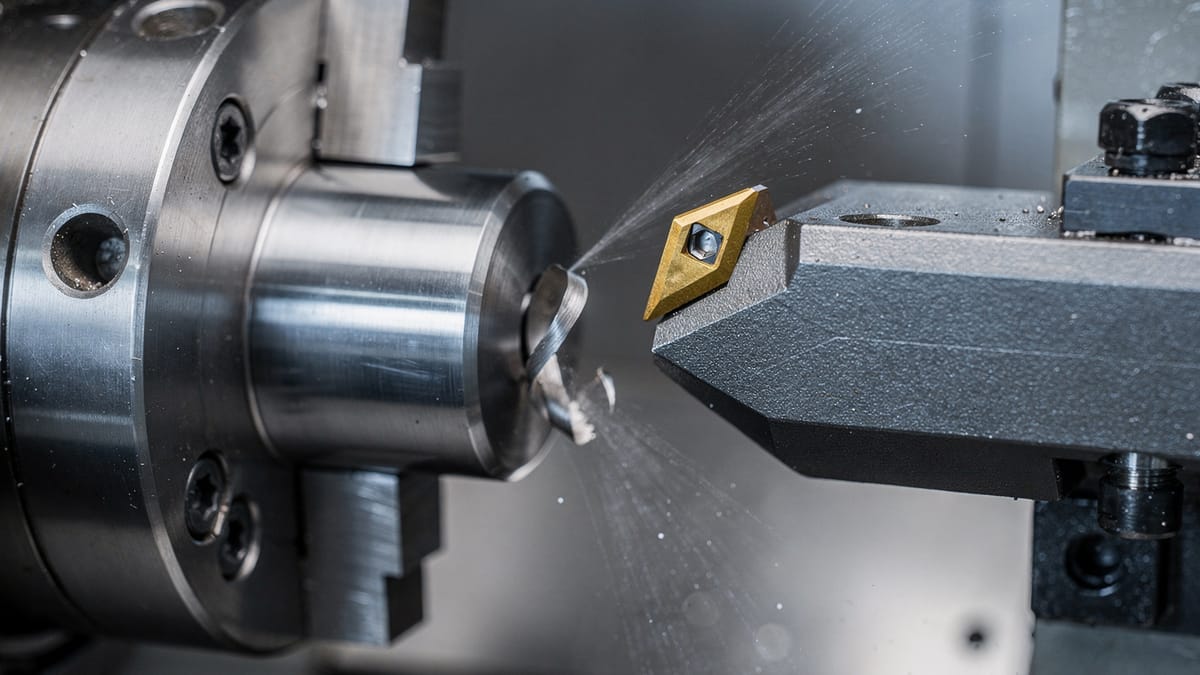
| Turning | Shafts, sleeves, bores, grooves, and axial threads | The main features surround a common axis and can be cut as the workpiece rotates. | CNC turning services |
| Mill-turn | Round bodies with flats, cross holes, or off-axis slots | Combining turning and driven-tool operations can reduce transfers between machines. | Milling, turning, and mill-turn guide |
| 5-axis milling | Angled features, contoured surfaces, and features on several faces | Changing tool orientation improves access or reduces repeated setups. | When to use 5-axis machining |
Mill-turn and 5-axis machining solve different access problems. Mill-turn combines turned geometry with milled or drilled features; 5-axis milling changes the orientation between cutter and part. Neither is automatically the economical choice. Compare the complete route, including programming, workholding, and inspection, against a simpler machine sequence.
EDM and grinding can complement machining. Electrical discharge machining removes electrically conductive material through controlled sparks and can address features that are difficult to reach with a milling cutter. Grinding uses abrasives to refine selected dimensions or surfaces, often after other machining. Discuss these as possible secondary operations when the drawing calls for them; they are not default steps for every part.
Which Guide Do You Need?
Choose the question holding up your next decision. The linked guides develop these subjects in detail, so you can move from this overview to the specific drawing, material, or purchasing issue in front of you.
- Milling or turning? Use the CNC milling vs turning guide to connect round, flat-sided, and mixed features to a practical process route.
- Which material should I specify? Follow how to choose a CNC machining material from function and environment through grade, condition, and finishing.
- What belongs in an inquiry? The CNC machining quote requirements guide explains the files and decisions needed for comparable quotations.
- How should acceptance be defined? Read CNC part inspection requirements to connect critical features with checks, measurement conditions, and reports.
- When does 5-axis pay off? The 5-axis machining guide helps frame the choice around geometry and access.
- Planning a robotics component? Start with CNC machining for robotics for joints, brackets, and housings.
- Comparing titanium and steel? Use the titanium vs steel comparison alongside your part’s material requirements.
- Looking for machining support? Visit the CNC machining services page to begin a discussion about your component.
- Ready to submit the part? Send your requirements through the manufacturing quote page, identifying any decisions still open.
If you are new to ordering a part made to your own design, the custom machining overview provides additional context. Keep the part’s intended function visible throughout the discussion: a mounting face, bearing seat, or sealing surface tells the supplier more than a broad request for precision.
Materials at a Glance
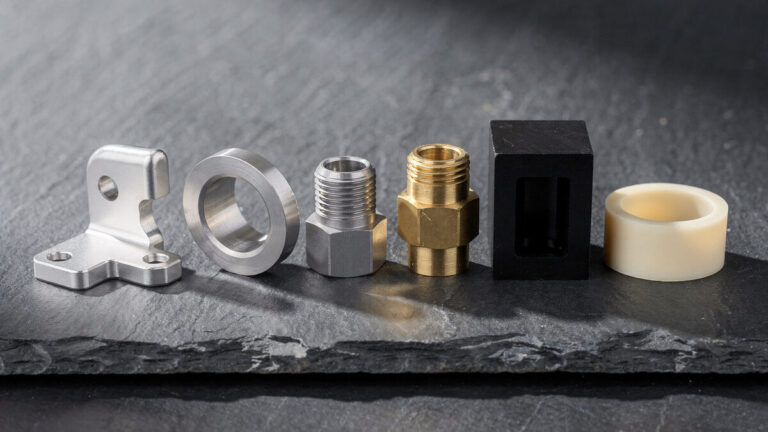
Metals: Aluminum, steels, stainless steels, titanium, and copper alloys offer different combinations of weight, stiffness, corrosion behavior, and conductivity. Treat those family names as a shortlist. The exact grade and condition determine whether a candidate fits the application, and machining effort and finishing affect the finished part’s cost.
Plastics: Engineering plastics can suit requirements such as electrical insulation, low weight, or sliding contact. Temperature, moisture, and sustained loading deserve attention because they can affect dimensions and performance. Specify the particular grade and agree how the finished part will be measured.
Use the material selection guide for the decision sequence and the materials for custom manufacturing page for further orientation. A family-level comparison does not settle stock availability or suitability for your design; resolve the material callout before treating supplier quotes as equivalent.
Planning a CNC Part: Five Decisions
Before requesting pricing, work through this checklist with the person responsible for the design. If an item is unresolved, label it as a question instead of leaving the supplier to infer an answer.
- Drawing and revision. Match the drawing and model to the same part number and revision, and identify which document governs if they disagree. Remove superseded files from the inquiry package. The quote preparation guide explains how consistent files make supplier comparisons more useful.
- Material callout. Name the grade, condition, and required material documents. If alternatives are open for discussion, state the requirements they must meet and who approves a substitution. Use the material guide to check that the callout covers more than a family name.
- Critical features. Identify the fits, datums, threads, and surface relationships that control assembly or function. For example, a hole’s relationship to a mounting face may matter more than an outside edge. The inspection planning guide helps translate those priorities into checks.
- Finish and secondary operations. State surface requirements and any coating or heat treatment, including where masking is needed. Clarify whether acceptance dimensions apply before or after finishing. Review these with the quote requirements checklist so secondary work is included in the proposed route.
- Quantity and inspection. Separate the immediate order from expected repeat demand, and identify what a prototype is intended to prove. Agree the required reports and acceptance checks before ordering. The part inspection guide provides a framework for documenting that agreement.
Frequently Asked Questions
Do I need to learn CNC programming to order a part?
No. As a buyer, your main task is to communicate the part requirements clearly. The machining supplier develops the production program for its equipment and setup. You should be able to explain the intended function, identify the current design revision, and provide a technical contact who can resolve drawing questions.
Can I send an inquiry before the design is final?
Yes, provided you mark the files as preliminary and identify what may change. Ask for a manufacturability discussion or an estimate on that basis. Before authorizing production, release the agreed revision and have the supplier confirm any effect on material, routing, inspection, and quoted scope.
Does CNC machining mean the part needs no finishing?
No. Cutting leaves surfaces and edges that must be evaluated against the drawing. Deburring, appearance requirements, coatings, or other treatments may still be needed. Define what the delivered part should look like and how it must function rather than assuming that the term CNC includes a particular finish.
Can I reorder using only a previous sample?
A sample can help explain fit or appearance, but it may not identify material, tolerances, or the approved revision. Link the reorder to the controlled drawing and purchase requirements. If the sample is the only reference available, agree how its requirements will be established before treating the new order as a repeat.
What should I do when a supplier suggests a design change?
Ask which manufacturing difficulty the change addresses and which functional requirement could be affected. Have the design owner review the proposal, then record an accepted change in the controlled files. A suggestion to enlarge a radius or adjust a tolerance should become an explicit design decision before production proceeds.
Request a DFM Review
Ready to discuss your part? Request a quote and design-for-manufacturing review with the current drawing and model, material callout, quantity, finish, and inspection requirements. Include a short explanation of what the part does and flag any open questions so the review can focus on the decisions that affect manufacturing and acceptance.